Build AAC boards from the AI you already use
Connect SpeakAnyWay to Claude or ChatGPT, then just ask. "Make a dentist-visit board for Leo." "Add swing and slide to the playground board." It's built right in your SpeakAnyWay account, ready to tap.
- Claude
- ChatGPT
- Any AI with MCP connectors

Say it the way you'd say it. It's built.
No menus to learn and no special wording. Here are a few things people ask for.
- A board for tomorrow
“Make a board for Leo's dentist visit tomorrow: open, spit, all done, hurts, break, and a few more you think he'll need.”
A new board in Leo's account, with an image for every word, before you've finished your coffee.
- From a photo
“Here's the menu from our pizza place. Turn it into a menu board for Friday.”
The AI reads the menu and builds a tappable board. It tells you the credit cost of the food images before it makes any.
- Grow a board
“Add a Feelings page to Maya's core board, with a folder tile that opens it.”
A new page, linked from her board with a folder tile, so she can get there in one tap.
- Quick fixes
“On the snack board, rename cookie to Oreo, hide candy, and put more and all done first.”
Done in one go. Hidden tiles aren't deleted, so you can bring them back any time.
- A whole set
“Build Sam a starter board set. He loves trains, music, and being outside.”
A matched set of boards shaped around what Sam loves, from the Board Builder. It checks the size with you first.
- Share with school
“Publish the bus board so his aide can open it, and give me the link.”
It shows you what would go public, waits for your yes, then hands you a link to send.
Set up once. Takes about two minutes.
You'll need a SpeakAnyWay account and Claude or ChatGPT. Any plan works.
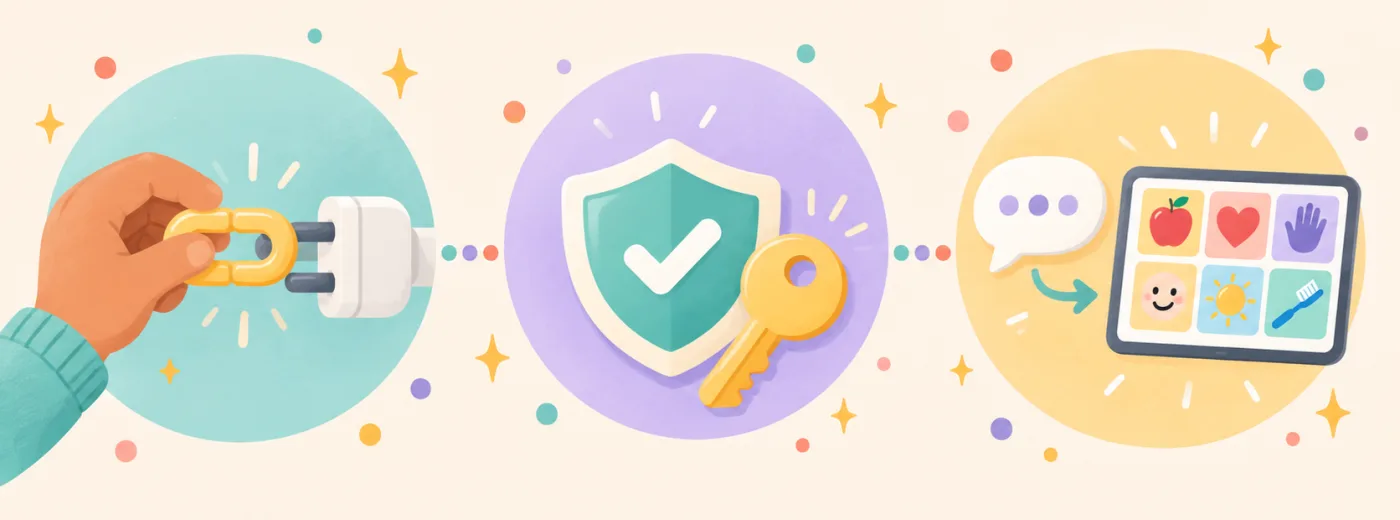
Paste the link
In your AI tool's settings, add a custom connector (ChatGPT calls it a plugin) and paste the SpeakAnyWay link below.
Sign in and allow
SpeakAnyWay asks you to sign in and shows exactly what the AI will be able to do. Choose Allow.
Ask for a board
Turn SpeakAnyWay on in a chat and ask for what you need. Your boards show up in the app, ready to use.
Your SpeakAnyWay connector link
https://mcp.speakanyway.com/mcpStep-by-step for Claude and ChatGPT:
Made for the people doing the setting up
The AI does the building, so you get your evening back. The boards are for the communicator.
Prep between sessions, not after hours
Turn session notes into a new board or page in a sentence. Build the vocabulary for next week's theme while you're still thinking about it.
Ready before you walk out the door
Birthday party this afternoon? A new restaurant tonight? Ask from your phone and have a board waiting when you get there.
Lesson vocabulary in minutes
Paste a unit's word list and get a board for the whole class, or add this week's words to a student's existing board.
You stay in charge
The AI can only do what you'd do in the app, and it checks with you before anything big.
It asks before big changes
It shows you the board name and words before building, the credit cost before making images, and what would go public before sharing.
It can't delete anything
Removing a word hides it, and hidden tiles can come back. It can't change your plan, billing, or settings either.
It sees names, not profiles
The AI sees your boards and your communicators' names. Never their profile, emergency or care info, or what they've been saying.
Disconnect any time
One tap in Settings under AI tool connections, and the AI can't reach your account anymore. Connect again whenever you like.
Nothing extra to buy
The connector is included on every SpeakAnyWay plan, Free included. New boards use your plan's boards, and AI images use your AI credits, the same as in the app. If you hit a limit, the AI tells you plainly and nothing is created.
Questions people ask
Does this cost extra?
No. It uses your normal SpeakAnyWay plan and AI credits. Your AI tool's own plan is separate, and Claude and ChatGPT both let you add custom connectors.
Which AI tools work?
Claude and ChatGPT today. Any AI tool that supports remote MCP connectors with sign-in should work too. MCP is the open standard these tools use to connect to apps.
Do I need a paid AI plan?
Not for Claude: its free plan lets you add one custom connector. ChatGPT asks you to turn on developer mode first, and on a work or school account an admin may need to allow it.
What can the AI see about my child?
Only their name, so it knows who a board is for. It never sees their profile, age, emergency or care info, or what they've said with their boards.
What if the AI gets something wrong?
Fix it in the board editor like any other board, or ask the AI to change it back. Nothing is ever deleted, so nothing is lost.

Your next board is one sentence away
Connect SpeakAnyWay to the AI you already use, and spend less time building boards and more time with the person using them.